
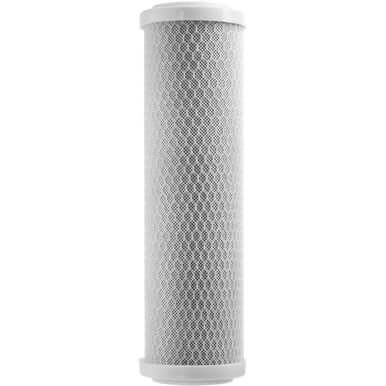
How to Flush Out Your Carbon Filter

A fresh carbon filter sheds fine black sediment the moment water first moves through it, and that sediment is exactly what your RO membrane cannot tolerate. So every carbon-filter change ends with the same step: flush it for about five minutes before the water reaches anything downstream.
Why the flush matters
Carbon fines are abrasive and they pack into the tight channels of an RO membrane, dropping your production rate and shortening membrane life. Five minutes of flush-to-waste clears the loose carbon before it can migrate. Skipping it to save time is how a $40 filter change quietly damages a far more expensive membrane and housing.
The steps
- Install the new carbon filter in its housing.
- Open the system to feed water but divert the output to waste, not to the membrane or DI stage.
- Run it for about five minutes — the water clears from grey to clean as the fines wash out.
- Once it runs clear, route the line back through the DI stage and put the system back in service.
While you are in there
Change the sediment filter on the same interval — it protects the carbon stage the way the carbon stage protects the membrane. A complete filter kit keeps all three stages matched so you are not chasing one worn filter at a time.
Products Mentioned
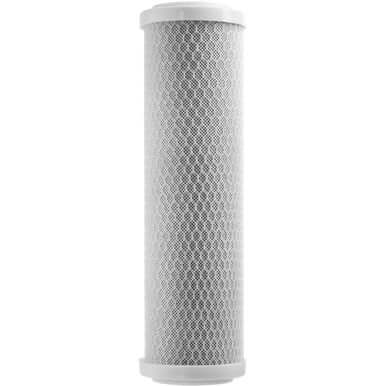 ProTool Carbon Filter 2.5in x 10in Pro SKU: 150-0058 | 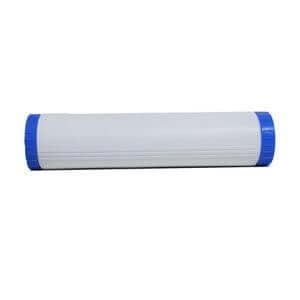 ProTool DI Filter 20in Blue/White RTU SKU: 150-012 | 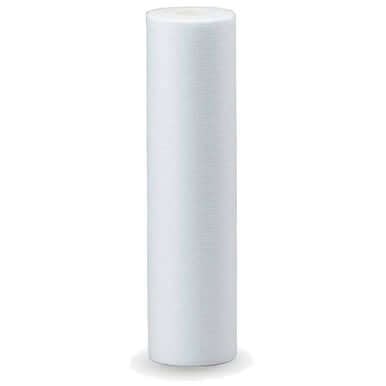 ProTool Sediment Filter 2.5in x 10in SKU: 150-0051 |
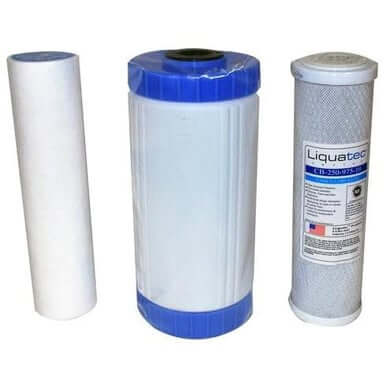 ProTool HydroCart Filter Kit Pro SKU: 150-0050 |